Sonixd-Redux
Library
Sonixd Redux displays your server’s music library across several views, accessible from the sidebar.
Albums
Browse your albums in list or grid view.
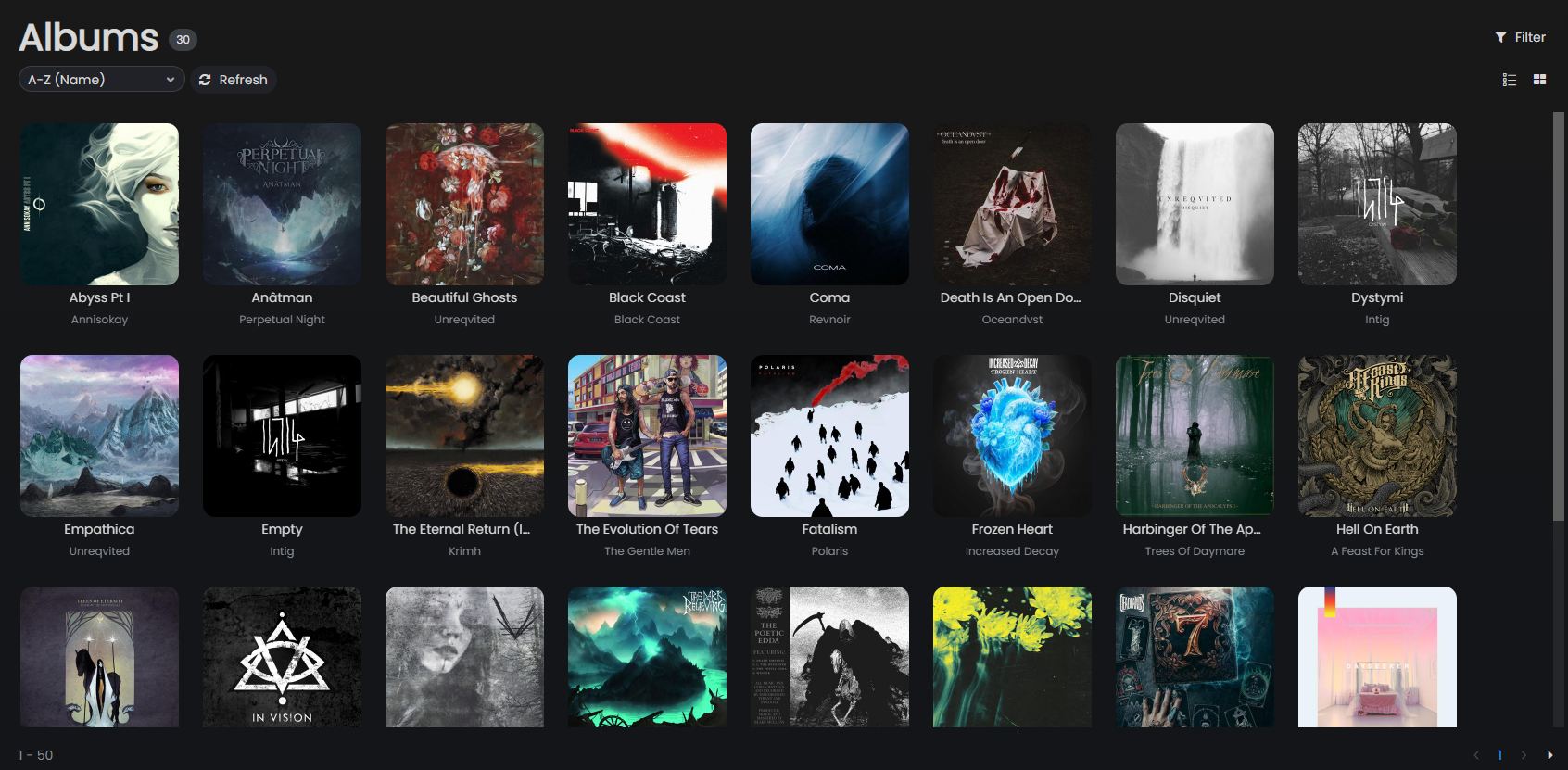
- Switch between Grid and List view using the toggle in the top-right
- Sort by name, artist, year, recently added, most played, etc.
- Click an album to open it and see its tracks
- Right-click for context menu options (play, add to queue, favorite)
Advanced filters (Albums)
The album list supports advanced filtering by genre, artist, year range, and starred status.
Artists
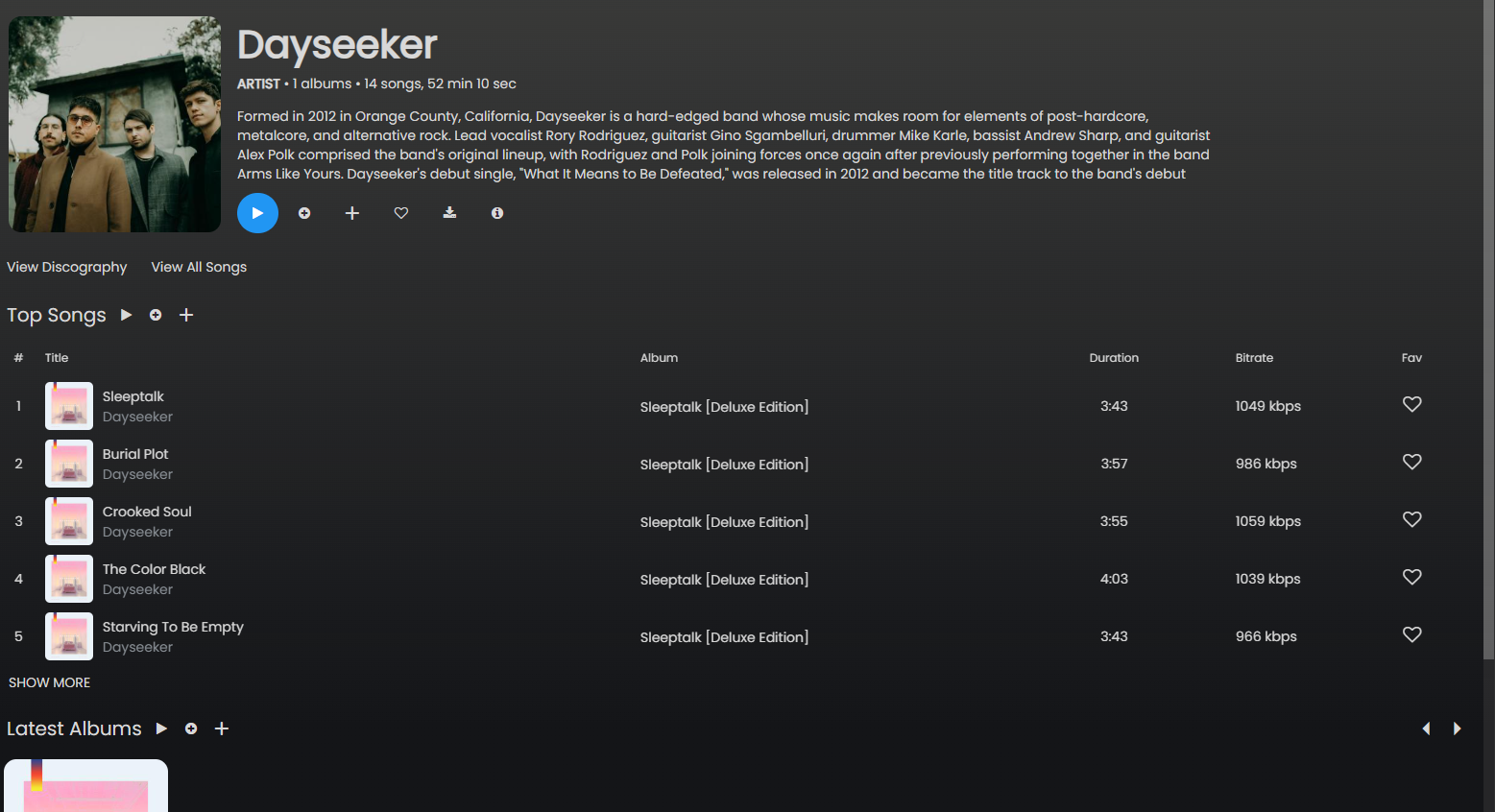
Browse by artist. Click an artist to see their albums and top tracks.
Songs
Full flat list of all songs in your library. Supports sorting by title, album, artist, duration, bitrate, play count, and more.
Genres
Browse your library organized by genre. Click a genre to see its albums and songs.
Folders
Browse your library by the folder structure on your server - useful if your music is organized by folder rather than tags.
Playlists
View and manage your server-side playlists.
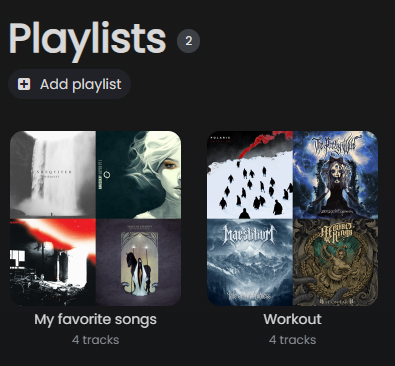
- Click a playlist to view its tracks
- Right-click tracks to add/remove them
- Create new playlists using the Add button at the top of the playlist list
Favorites
Songs, albums, and artists you have starred. Click the ❤ icon on any item to star it.
Search
Use the search bar at the top to search across your entire library. Results are grouped by songs, albums, and artists.
Media folder filtering
If your server has multiple media folders (e.g. separate libraries for music and audiobooks), you can filter the library to a specific folder in Settings → Server.
Pagination
For large libraries, album and song lists support server-side pagination. Configure the number of items per page in Settings → Look & Feel → Pagination.